Setting up Font Awesome 5 in Laravel using Vue.js
$ March 9, 2018
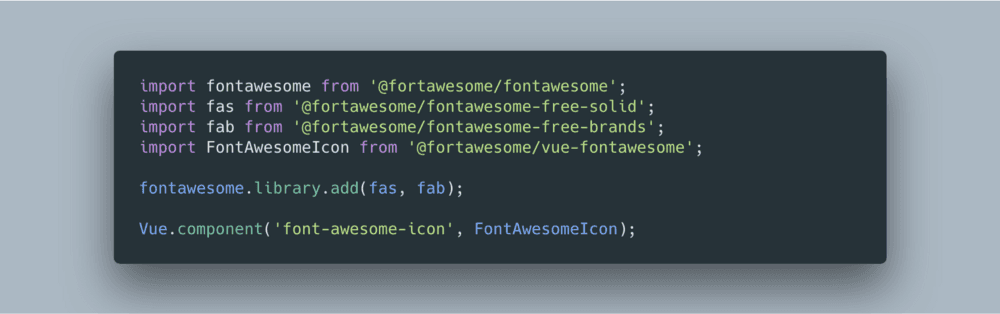
So you have a Laravel app set up and you want to use the new Font Awesome 5 goodness in your Vue.js components. Here’s how you do it.
1. First, install the required packages:
yarn add @fortawesome/fontawesome
yarn add @fortawesome/fontawesome-free-solid
yarn add @fortawesome/fontawesome-free-brands
yarn add @fortawesome/vue-fontawesome
We’re going to use the official Vue component to display the Font Awesome icons in this case.
2. Next, import the base packages and regidster the component (in “resources/assets/js/app.js”):
import fontawesome from '@fortawesome/fontawesome';
import FontAwesomeIcon from '@fortawesome/vue-fontawesome';
Vue.component('font-awesome-icon', FontAwesomeIcon);
3. (Optional) If you want to import the whole icon set(s), instead of importing each icon manually (still in “resources/assets/js/app.js”):
import fas from '@fortawesome/fontawesome-free-solid';
import fab from '@fortawesome/fontawesome-free-brands';
fontawesome.library.add(fas, fab);
4. Use the new “font-awesome-icon” component:
<font-awesome-icon icon="spinner" spin v-if="isLoading" /><font-awesome-icon :icon="['fab', 'digital-ocean']" />
For more instructions on how to use the “font-awesome-icon” component see the vue-fontawesome docs.